Turn Any Video Into a PowerPoint Presentation
Paste a video link, get the transcript, and turn it into an illustrated .pptx with real text boxes and speaker notes. Opens in PowerPoint, Google Slides and Keynote.
Try it freeUpdated
How It Works
Paste the video link
YouTube, Instagram, TikTok, X or Facebook. Scrivi gets the full transcript in seconds.
Create the presentation
Click Presentation (.pptx), pick a length and a light or dark theme. Scrivi writes the slides, adds illustrations and speaker notes.
Download and edit
Open the .pptx in PowerPoint, Google Slides or Keynote. Every title, bullet and note is editable text.
Example presentations
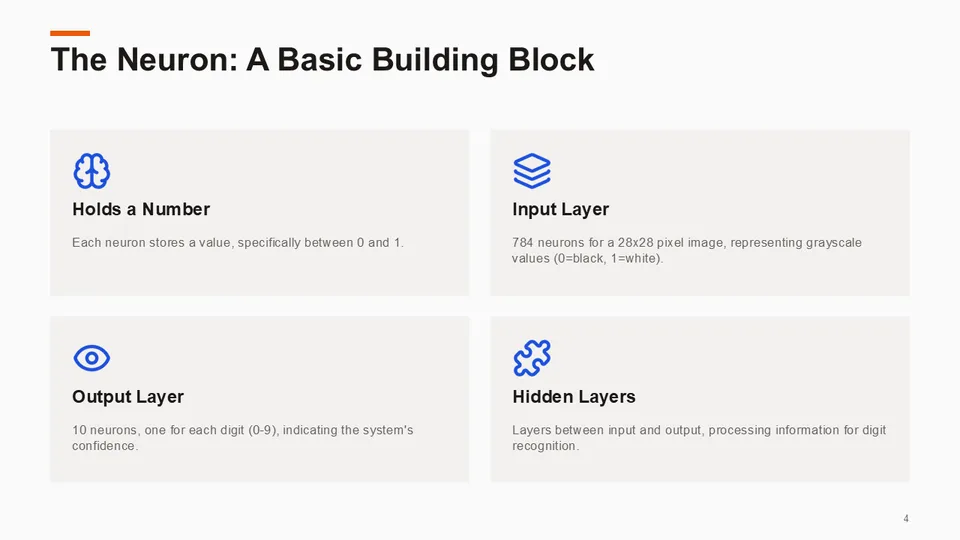
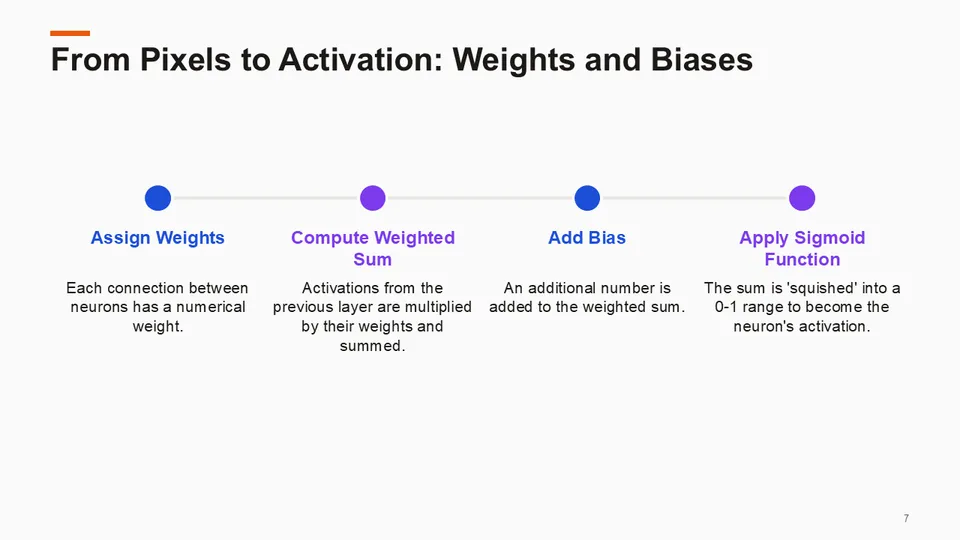
Lecture: But what is a neural network?
Download .pptx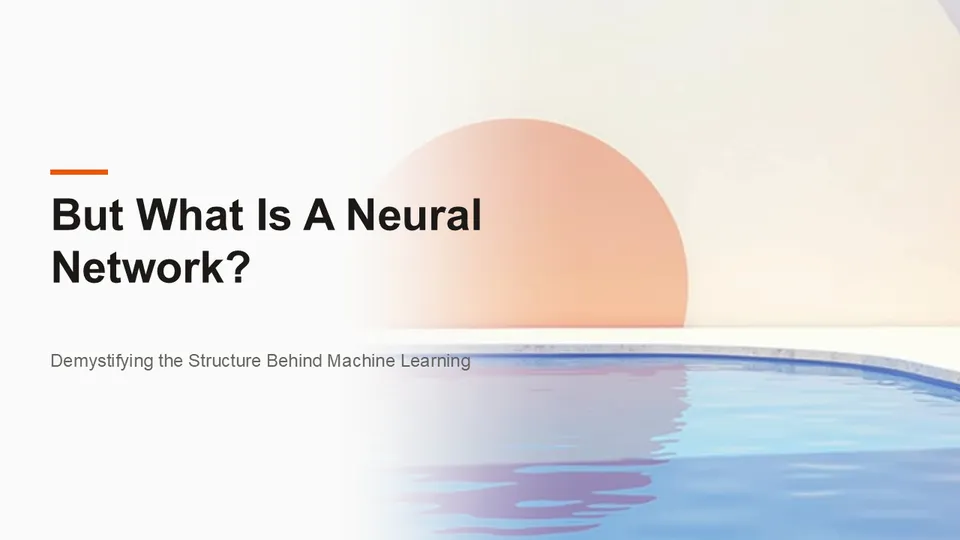
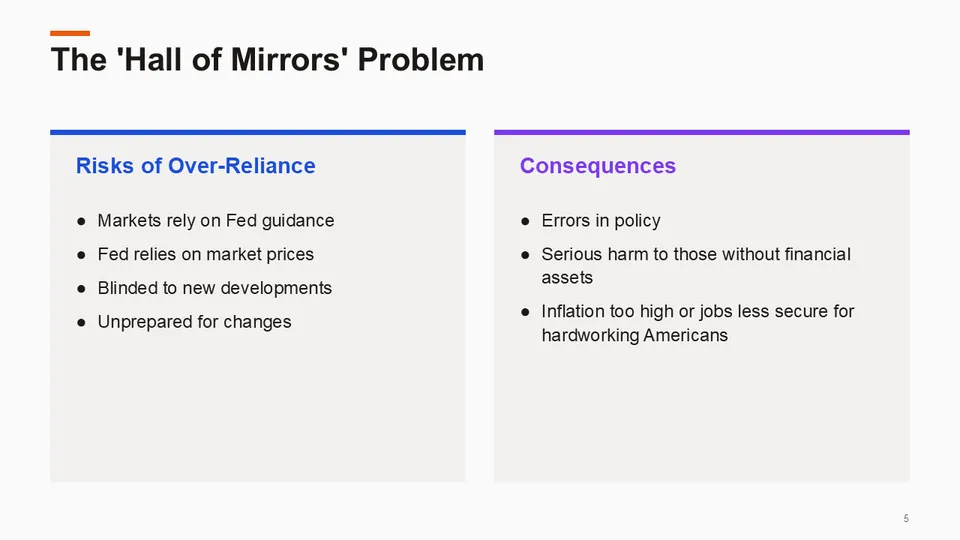
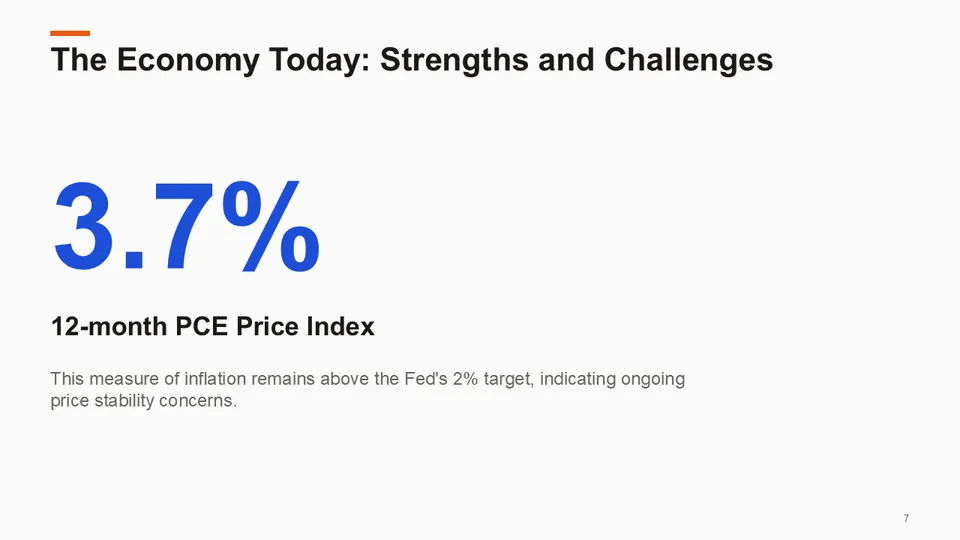
Speech: Fed Chair keynote at Jackson Hole
Download .pptx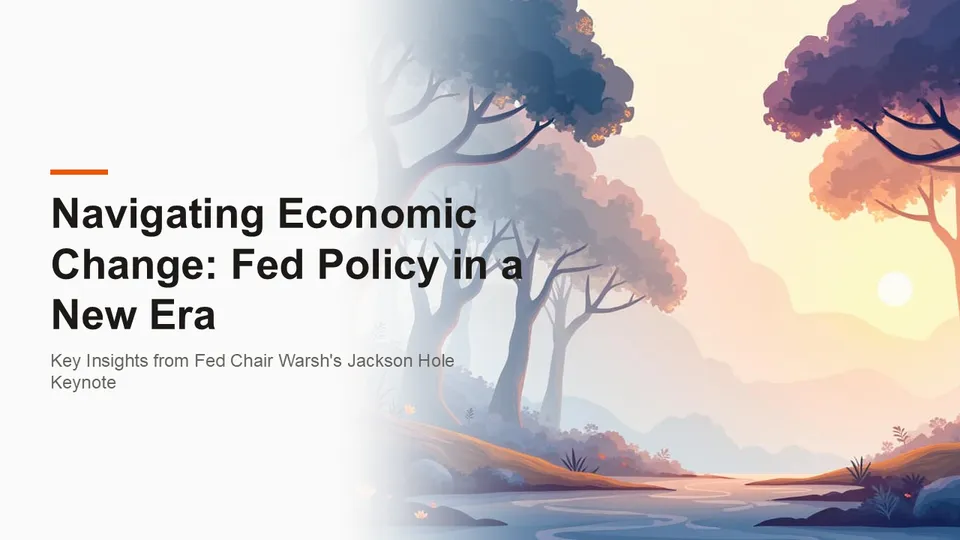
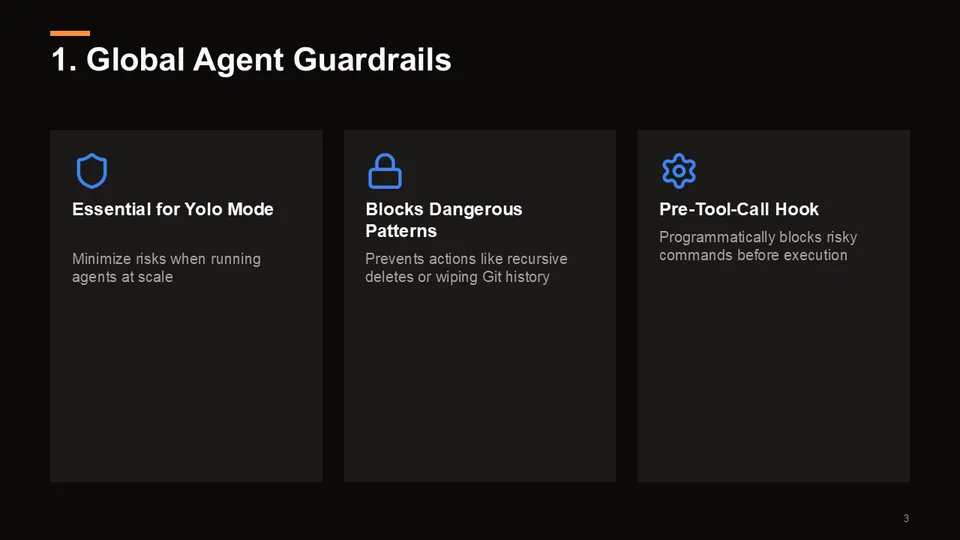
Tutorial: 8 skills for AI coding agents (dark theme)
Download .pptx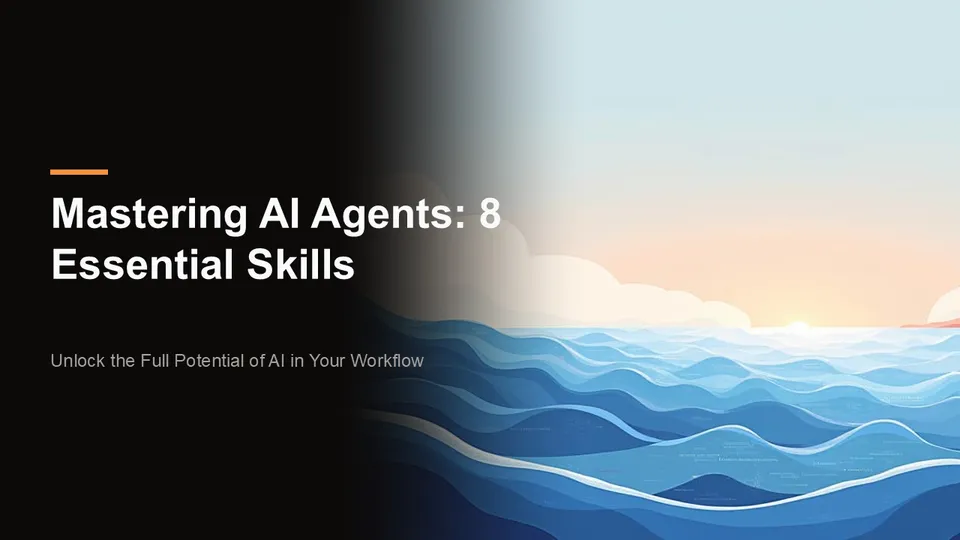

How to turn a YouTube video into a PowerPoint
Paste the video link into Scrivi. Scrivi reads the video's captions (or transcribes the audio on paid plans), so you have the full transcript in seconds.
Open the transcript and click Presentation (.pptx). Pick a length (short, standard or detailed) and a light or dark theme. Scrivi writes the slides, picks fitting illustrations and adds speaker notes for every slide.
Check the preview, then download the .pptx. Open it in PowerPoint, or import it into Google Slides or Keynote. Every title, bullet and note is real text you can edit.
What you get in the deck
Decks follow the structure of the video instead of a fixed template. Depending on the content, Scrivi uses a title slide with an illustration, section dividers, slides with text next to an image, side-by-side comparisons, timelines, key numbers, icon grids, quotes, native charts when the video names real figures, a sources slide and a closing slide with the takeaways.
- Editable text boxes on every slide, not text baked into images
- Speaker notes with the details behind each slide
- Illustrations from a library drawn in one consistent style
- Light and dark themes, three lengths
- Works for videos in any of the 16 interface languages, including right-to-left Arabic
From several videos to one presentation
Research Mode combines two to five transcripts into one report with themes, agreements, disagreements and cross-references. Turn that report into a deck and every theme gets its own slide, with comparison slides where the sources disagree and references back to each video.
Scrivi or NotebookLM for video slides?
NotebookLM (now Gemini Notebook) also creates slide decks and produces striking visuals. Its slides are rendered as images, and its PowerPoint export carries those images rather than separate text boxes, so changing a word means regenerating or redrawing the slide.
Scrivi keeps text and pictures apart: the illustrations sit behind or next to real text boxes, so you can rewrite any line in PowerPoint, Google Slides or Keynote and the notes stay attached. Scrivi also starts from links on YouTube, Instagram, TikTok, X and Facebook, which is where most short-form video lives.
If you want a finished image-style deck to look at, NotebookLM is a good fit. If you want a deck you will present, edit and reuse, start with Scrivi.
Free preview, full deck on paid plans
Free accounts can preview the first three slides of a presentation once a day, so you can see the result on your own video before paying. The full deck, speaker notes and the .pptx download are included in the $2.99 Day Pass, Pro (from $9.99 a month) and Lifetime. Research decks from several videos are part of the paid plans.
Features
Editable text, not pictures of text
Illustrations sit behind or next to real text boxes, so you can rewrite any line in seconds.
Speaker notes on every slide
The details behind each slide go into the notes, so you can present without rewatching the video.
Layouts that fit the content
Comparisons, timelines, key numbers, icon grids and native charts, chosen from what the video actually says.
One style, many topics
Illustrations come from a library drawn in one consistent editorial style across 50 topic groups.
Decks from several videos
Turn a Research Mode report across two to five videos into one presentation with a slide per theme.
16 languages
Slides follow your output language, including right-to-left layout for Arabic.
Frequently Asked Questions
Can I convert a YouTube video into a PowerPoint presentation?
Is the text in the slides editable?
Does it work with Instagram Reels, TikTok and X videos?
Can I open the presentation in Google Slides or Keynote?
Is it free?
Can I make one presentation from several videos?
Which languages are supported?
Related
- Best Tools to Transcribe YouTube Videos (2026) (honest comparison, including alternatives)
- AI Research Reports
- YouTube Video Summarizer
- YouTube Transcript Generator
Ready to get started?
Paste a video URL and get the full transcript in seconds. Free to start, no credit card required.
Try it free